

Need to turn a live website into a clean wireframe without opening Figma? Or build a brand new site layout from just a description? Wireframable is an AI wireframe generator that crawls any URL and extracts the page structure, or lets you start from scratch with a custom prompt, producing a production-ready wireframe in under a minute.
In this step-by-step tutorial you’ll learn how to generate a website wireframe from any URL or build one from scratch with just a prompt. Perfect for agencies pitching redesigns, developers scoping projects, or anyone who needs a quick visual reference.
Why Generate Wireframes from a URL?
Traditionally, creating a wireframe means starting from a blank canvas in Figma or Sketch, manually recreating a site’s layout block by block. That process can take hours.
With an AI-powered wireframe generator, you skip the manual work entirely:
- Save hours — go from URL to wireframe in 60 seconds, not 6 hours
- Win more pitches — show prospective clients a wireframe of their site before they even sign
- Speed up scoping — developers can see the page structure instantly, no guesswork
- Compare competitors — wireframe multiple competitor sites side-by-side in minutes
Let’s walk through exactly how to do it.
Step 1: Create a Free Account
Head to wireframable.com/app/register and sign up with your email. No credit card required — every account gets 3 free wireframe credits per month.
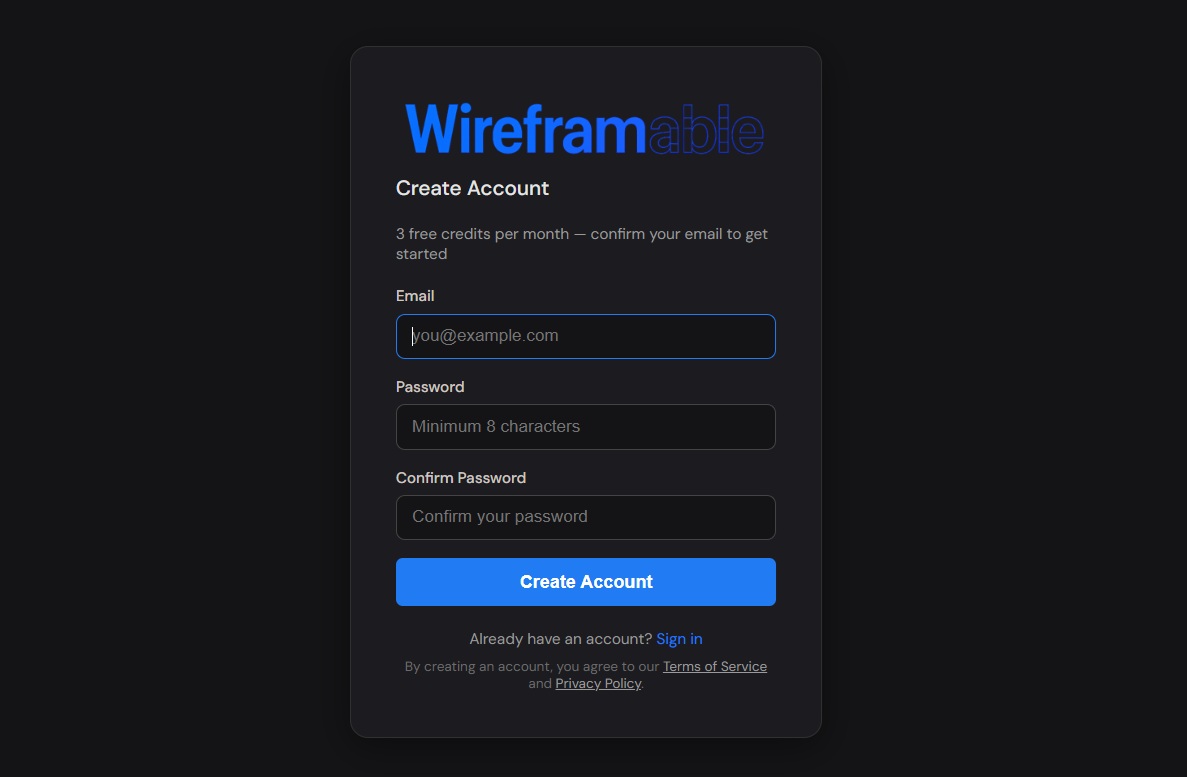
After registering, you’ll receive a confirmation email. Click the link to verify your account and unlock your free credits.
Step 2: Create a Project and Enter a URL
Once logged in, you’ll land on the Projects dashboard. Click ”+ New Project” to get started.
Enter a name for your project and the URL of the website you want to wireframe. This can be any publicly accessible page. Or leave the URL blank to build from scratch. If you are starting fresh, you will add your own colors, fonts, and images in the next steps and write a detailed prompt to guide the AI.
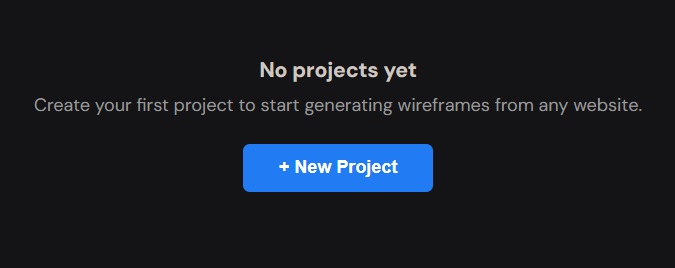
Click “Create Project” and Wireframable will automatically crawl the site to collect page data, content hierarchy, and layout structure.
Step 3: Configure and Generate Your Wireframe
Once the crawl finishes, you’ll be on the Project Detail page. Click “Generate Wireframe” to start the AI wireframe generation.
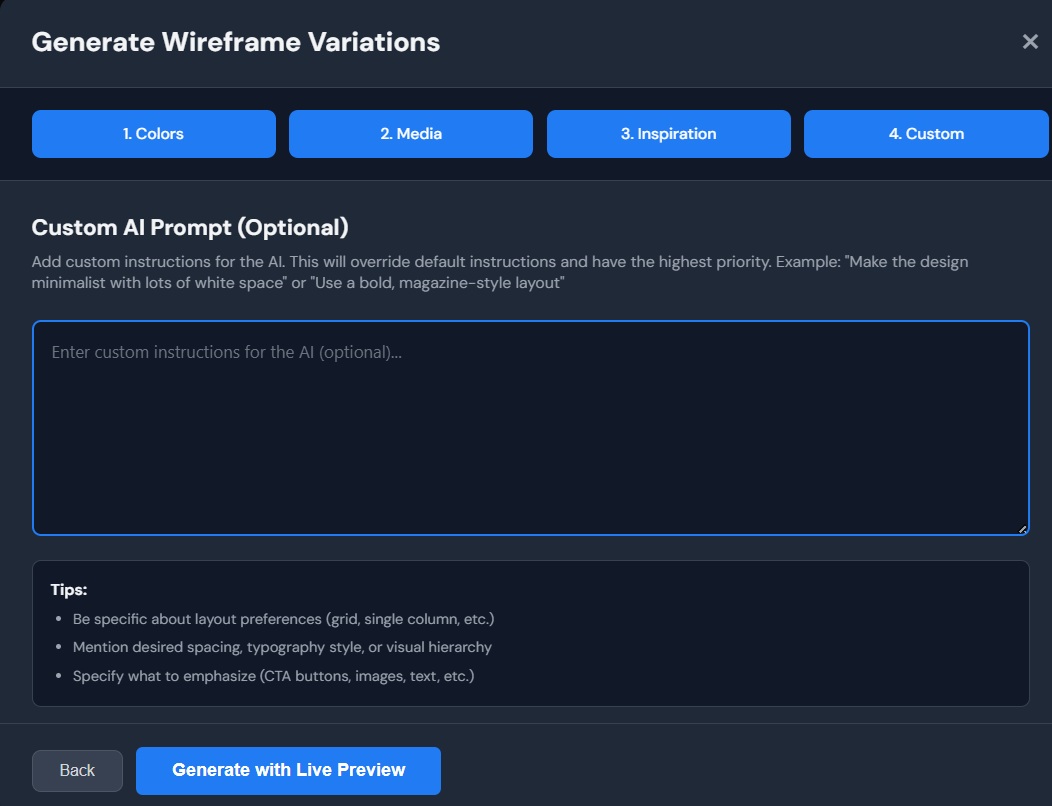
Before generating, you can optionally:
- Select brand colors from the palette Wireframable pulls from the crawled page
- Pick images and logos to include, or manually add asset URLs
- Choose fonts detected from the site to keep the output on-brand
- Add a custom prompt to guide the output, for example: “Focus on the hero section and navigation” or “Use a two-column layout for the features section”
Each generation costs 1 credit.
Step 4: Watch the AI Build Your Wireframe in Real Time
After clicking generate, the AI analyzes the website’s structure, content hierarchy, navigation patterns, and layout — then streams the wireframe to your screen in real time.
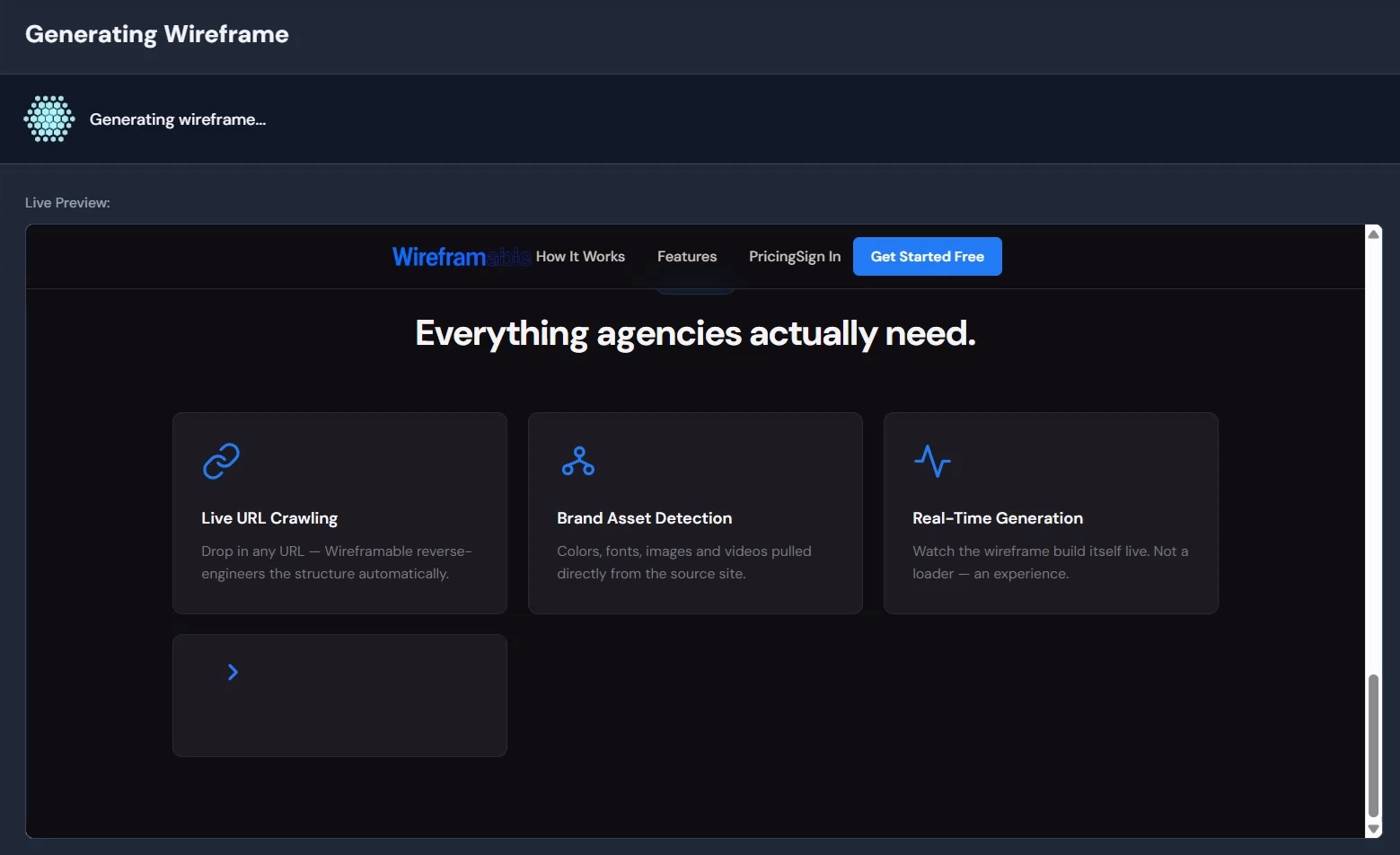
This typically takes 30–60 seconds depending on the complexity of the page. You’ll see the HTML and CSS build live, section by section.
Step 5: Preview and Share
Once complete, your wireframe appears in the project’s wireframe grid. Click on it to open the full wireframe viewer.
The AI-generated wireframe captures:
- Navigation structure — menus, links, call-to-action buttons
- Content hierarchy — headings, body text, image placeholders
- Page sections — hero, features, testimonials, pricing, footer
- Layout patterns — grids, cards, columns, sidebars
The output is clean HTML and CSS — ready to hand off to a developer or use as a visual reference.
You can also click the “Share” button to generate a public shareable link. Anyone with the link can view the wireframe — no login required. This is ideal for sending to clients for feedback, sharing with developers to align on page structure, or including in proposals and pitch decks.
Step 6: Iterate with Custom Instructions
Not happy with the result? Click “Regenerate” on the wireframe card. Add specific instructions to guide the next generation:
- “Make the navigation sticky with a transparent background”
- “Use a two-column layout for the features section”
- “Add more detail in the footer with a 4-column link grid”
Each regeneration costs 1 credit, and your previous wireframes are preserved so you can compare versions.
Step 7: Buy More Credits When You Need Them
Every confirmed account gets 3 free credits per month. For agencies and developers who need more, credit packs start at $20 for 10 credits ($2/wireframe).
Credits never expire and there are no subscriptions — just pay for what you use.
Frequently Asked Questions
What types of websites can I wireframe?
Any publicly accessible URL works. Wireframable is optimized for marketing sites, landing pages, SaaS homepages, and e-commerce stores.
Do I need design experience?
No. If you can paste a URL and click a button, you can generate a professional wireframe.
Can I export the wireframe code?
Yes. Every wireframe is clean HTML and CSS that you can copy, download, or hand off to your development team.
How is this different from Figma or Sketch?
Figma and Sketch require you to build wireframes manually from scratch. Wireframable starts from a real website and generates the wireframe automatically using AI — in seconds rather than hours.
Start Generating Wireframes for Free
You’ve seen how easy it is to go from a URL to a finished wireframe in under 60 seconds. Whether you’re an agency pitching a redesign, a freelancer scoping a project, or a developer who needs a quick layout reference — Wireframable saves you hours of manual work.
Get started free → 3 free credits/month, no credit card required.